Deep Clean ASMR Official Links and Resources
Download Deep Clean ASMR and reach developer destinations in one place.
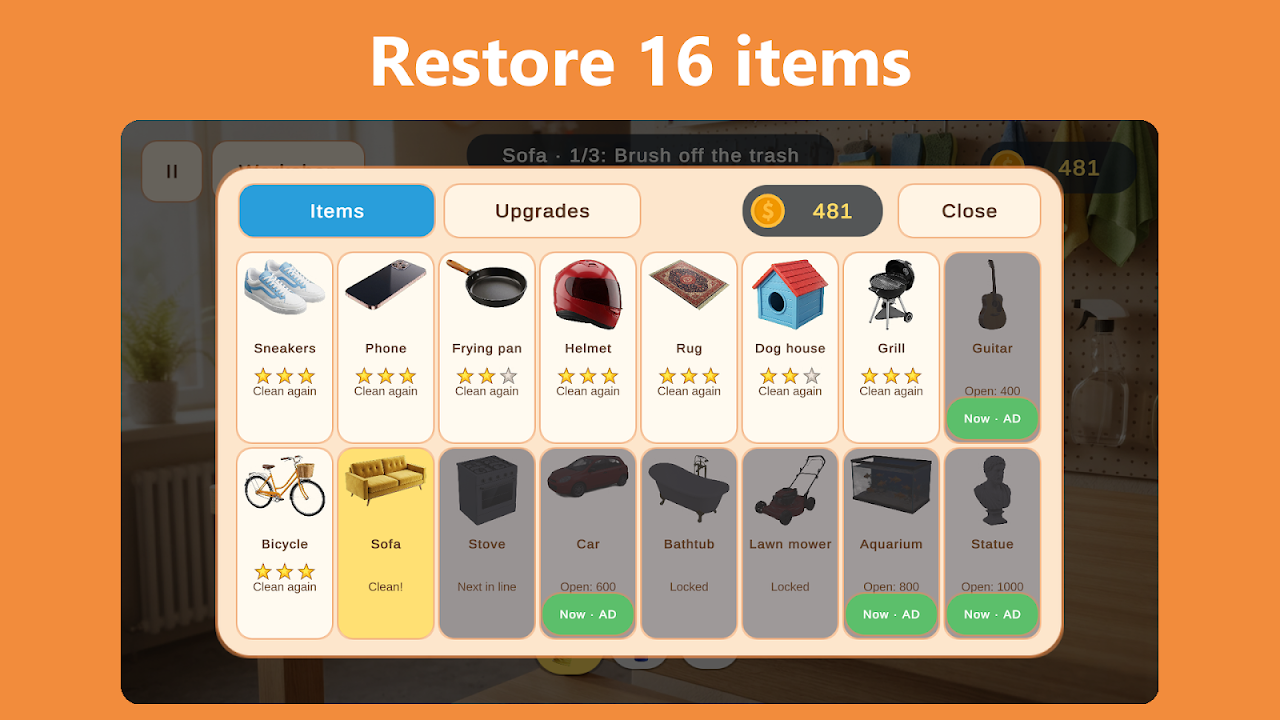
Use this links hub to reach official Deep Clean ASMR: Makeover destinations and the most useful pages on this fan wiki. Always prefer the Google Play listing for installs — avoid sideloaded APKs from unknown mirrors. Bookmark this page beside the Guides Hub so you can jump between store facts and practical restore advice without hunting through search results.
Official destinations
- Deep Clean ASMR: Makeover on Google Play — primary download page (package
com.TDIT.DeepCleanAsmr) - Gratus Games studio hub — preferred developer site
- Alternate studio mirror: gratus-games.web.app (also linked from some store surfaces)
- Support email listed on Google Play: restoratoraleksan@gmail.com
- Privacy policy link published on the store listing for this project
- Gratus Games on YouTube — official shorts including car, bathtub, and aquarium cleans
Avoid clones — trust the package ID
Confirm the developer name GratusGames and the package ID com.TDIT.DeepCleanAsmr before installing. Casual cleaning titles sometimes share similar names or ASMR thumbnails. If search results mix near-names, read Similar Games before you download. The official listing is the single source for ads disclosure, permissions, and what’s-new notes mirrored on our Updates hub.
Essential wiki pages
- Getting Started — install and first restore
- How to Play — six cleaning steps
- Tips and Tricks — upgrades and pacing
- Item Restoration — object notes
- All Items — sixteen-slot checklist
- Similar Games — clone and name disambiguation
- Muddy Car — vehicle deep dive
- Rusty Bathtub — bathtub / bathroom metal deep dive
- Paint and Slider — finish and compare loop
- Cleaning Tools — upgrade order
- Tools Hub — tool roles overview
- Tier List — satisfaction rankings
- Codes — promo tracker (none verified as of Nov 2026)
- Updates — patch history
- Review — honest overview
Suggested reading order for new visitors
- Skim the Review if you are still deciding whether to install
- Confirm package
com.TDIT.DeepCleanAsmr, then install from the Play link above - Open Getting Started
- Learn the loop with How to Play
- Spend early rewards using Cleaning Tools
- Pick satisfying targets from the Tier List or All Items
- Return here whenever you need the official store or developer URLs again
Safety tips
- Install only from Google Play with the correct package ID
- Prefer gratus.games over random “official site” clones in search ads
- Ignore paid “code generator” sites
- Confirm permissions on the official listing
- Recheck Updates after major version bumps
- Treat random APK blogs and fake gift-code pages as unsafe
About this wiki
deepcleanasmr.wiki is an unofficial fan resource. We are not affiliated with GratusGames or Daniil Demchenko. Game names and assets belong to their owners. For gameplay help, start at the Guides Hub and keep headphones ready. Content is written from publicly listed store features and official promotional shorts — we do not invent codes, patch dates, or item names.
When official URLs change, this page will be revised. If a link 404s, fall back to searching Deep Clean ASMR: Makeover by GratusGames on Google Play (package com.TDIT.DeepCleanAsmr), then update your bookmarks to the live listing.
Frequently Asked Questions
Quick answers about Deep Clean ASMR.
Where do I download the game safely?
Use the official Google Play listing for Deep Clean ASMR: Makeover by GratusGames linked above, and confirm package com.TDIT.DeepCleanAsmr.
What is the preferred studio website?
Prefer https://gratus.games/ as the Gratus Games studio hub. The Firebase mirror gratus-games.web.app may still appear in older store surfaces.
Is this wiki official?
No. It is a fan-made guide site. Official support runs through the store listing and developer contacts.
Where are gameplay guides?
Start at the Guides Hub or jump straight into Getting Started.
How do I contact the developer?
Use the support email published on the Google Play listing (restoratoraleksan@gmail.com), or visit gratus.games.